








Prices on the table.
Jordan's online stores and home businesses
Bastah brings local stores together in one place. Browse, add to your cart, and send your order as a chat with the store owner. You agree on the price and delivery between you.


Every store has a story. They are all here.
Walk through the categories
Ten categories, each with its own world
Every category has its own subcategories and fields: from dresses and abayas to pantry goods and sweets, from henna art to wedding-dress rentals.
-
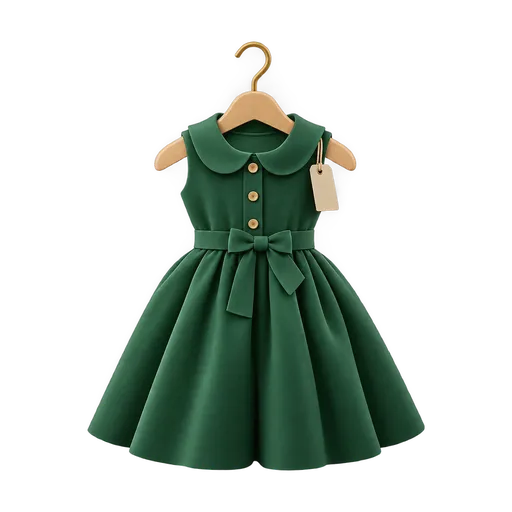
Fashion
Dresses · Abayas · Tops & shirts · Trousers & skirts +8
-
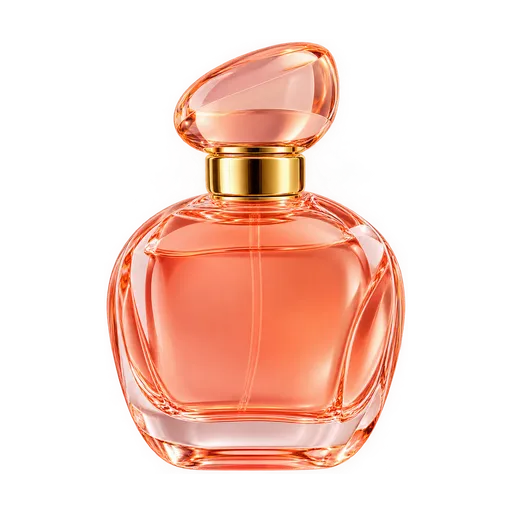
Perfumes
Women's perfumes · Men's perfumes · Unisex · Oud & bakhoor +4
-
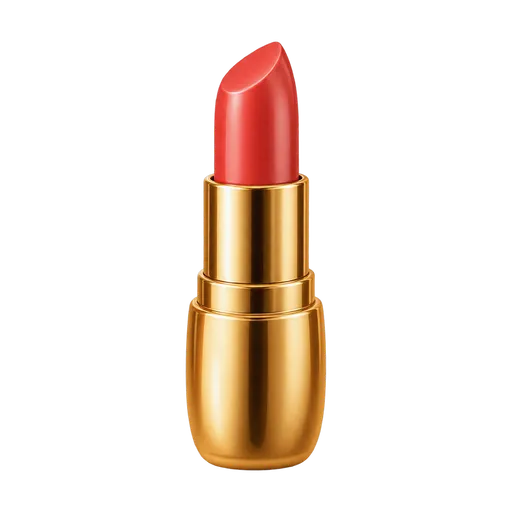
Beauty
Makeup · Skincare · Haircare · Nail care +9
-
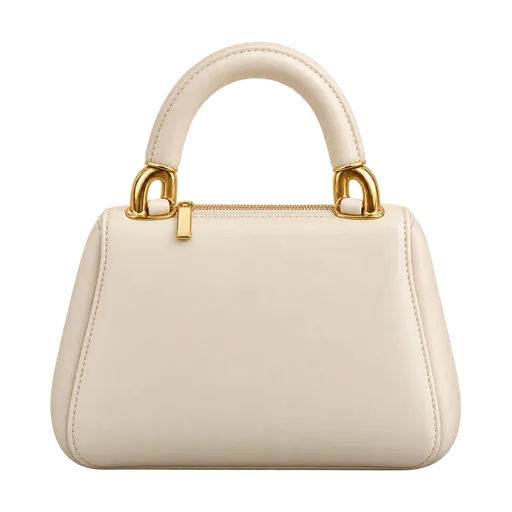
Accessories
Bags · Jewelry · Watches · Eyewear +5
-
Weddings
Henna night · Bridal bouquets · Favors · Stages & decor +6
-
Home & decor
Kitchenware · Decor · Furniture · Textiles & rugs +6
-
Electronics
Mobile phones · Phone accessories · Computers & laptops · Audio +5
-
Food
Home cooking · Baked goods · Sweets & cakes · Pantry +6
-
Cars
Car accessories · Spare parts · Car care · Repair & electrics +3
-
Gifts
Gift boxes · Flowers · Personalized gifts · Occasion gifts +3
For shoppers
From an idea to an order, in one chat
-
Browse or search
Ten categories, from fashion to home cooking, and a search that understands Arabic the way you actually type it.
-
Pick your product
Every product has the options that fit its category: sizes and colors for fashion, size and flavor for sweets.
-
Add to your cart
Your cart is split by store. Pick your address or share your location.
-
Send your order in the chat
One tap on "Send order" delivers a neat order card to the store owner.
-
Agree together
You agree on the final price, delivery and payment directly in the chat, with zero commission.









For sellers
Got a business? Open your store
-
Open your store
A name, a logo, a cover and your own link, like bastah.me/@yourname. The Bastah team reviews it before it goes live.
-
Add your products
Ready-made fields for your category, sections, photos and availability: in stock or made to order.
-
Get messages and reviews
Orders arrive as clear cards, you reply with quick replies, and you answer reviews publicly.
-
Grow with the showcase
Put your store or product where customers look first: the home showcase, the category showcase and featured products.
Discover the showcase

Why Bastah?
-
Talk directly
Every order is a chat with the store owner themselves. Ask questions, ask for photos, and agree on the details.
-
Zero commission
Bastah takes no cut of your sales. What you agree on stays between you.
-
No in-app payments
No cards, no wallets. You agree on payment and delivery directly.
-
Every store is reviewed
The Bastah team reviews every new store, and every change to its identity, before it goes live.
-
Safety first
Your chats are private, you can report or block with one tap, and our team follows up on every report.
Bastah in your pocket
Get the app and browse Jordan's stores in one place.
- categories
- 10
- commission
- 0%
- to get started
- Free
FAQ
About Bastah
What is Bastah?
Bastah is an app that brings online stores and home businesses in Jordan together in one place. Browse stores and products, ask the store owner anything, and send your order in the chat.
Do I pay through the app?
No. Bastah only connects you with stores. There are no payments or cards in the app. You agree on the final price and how to pay with the store owner in the chat.
Who delivers my order?
Bastah doesn't deliver. Each store has its own way of delivering or handing over orders, and you agree on it in the chat. You'll find the delivery details on the store's page, under the "Info" tab.
Is Bastah responsible for the products?
The sale and the agreement are directly between you and the store owner. The Bastah team reviews every store before it appears and follows up on every report, but it doesn't guarantee the products or the payment.
Is the app free?
Yes. Browsing, ordering, chatting and opening a store are all free.
Ordering
How do I order a product?
Open the product, pick the options (like size or color) and the quantity, then tap "Add to cart". In the cart, tap "Send order", choose an address or share your location, and the order reaches the store owner as a message in the chat.
Can I order from more than one store?
Yes. Your cart groups products by store, and each store gets its own order and its own chat.
Can I change or cancel my order?
Your order is a message in the chat, so just talk to the store owner directly and adjust it together.
How do I save my address?
Go to Account → My addresses. Your default address comes first whenever you send an order.
Opening a store
How do I open a store?
Tap the "+" button in the middle of the bottom bar, or go to Account → My stores. Fill in the name, logo, category, location and opening hours, then send it for review.
How long does the review take?
The Bastah team usually reviews new stores within 24 hours. You'll get a notification when it's approved, or if it needs changes. You can start adding products right away.
Why wasn't my store approved?
The reason is shown on your store dashboard and in the notification. The most common reasons: missing information, an unsuitable logo or cover, a category that doesn't match the business, or an activity that isn't allowed. Make the changes and send it again.
Can I edit my store after it's approved?
Yes. The description, cover, opening hours and delivery details update right away. The name, handle, category and logo go through review, and your store keeps showing its current details until the change is approved.
Is there a limit on stores or products?
Yes. There's a limit on the number of stores per account, and on the number of products, sections and quick replies per store. The app lets you know when you reach it.
How do I add products?
Go to your store dashboard → Products → Add product. Each category has its own fields, like sizes and colors for fashion, or prep time for food.
How do I receive orders?
Every order reaches you as a message in the customer's chat, along with a notification. Under Messages → My stores you'll see the chats for all your stores.
How do I hide my store for a while?
On your store dashboard, use the visibility switch. Your store disappears for customers until you turn it back on.
Account
How do I sign in?
With your email. We send you a 6-digit code, you type it in the app, and you're in. No password needed.
I didn't get the sign-in code
Check your spam or junk folder, and make sure your email is spelled correctly. You can ask for a new code after a minute.
How do I change my email?
Go to Account → Edit profile. We send one code to your new email and one to your current email, and the change happens once you enter both.
How do I control notifications?
Go to Account → Notification settings. Store status notifications are always on. You can also mute a specific chat from its options.
How do I delete my account?
Go to Account → Edit profile → Delete account. Your stores, products and personal data are deleted. Your past messages and reviews stay, but under the name "Deleted user".
Safety
How do I report a store, product or message?
From the store or product page (the options button ⋯ → Report), or by long-pressing the message in the chat. The Bastah team reviews every report.
How do I block someone?
In the chat → options → Block. Whoever you block can't message you or send you an order. You can unblock them from the same place.
What happens after I report something?
The Bastah team reviews the report and sends you a notification when it's done. If there's a violation, we may suspend the store or hide the product or review.
Have another question? Message the Bastah team in the app or at support@bastah.me